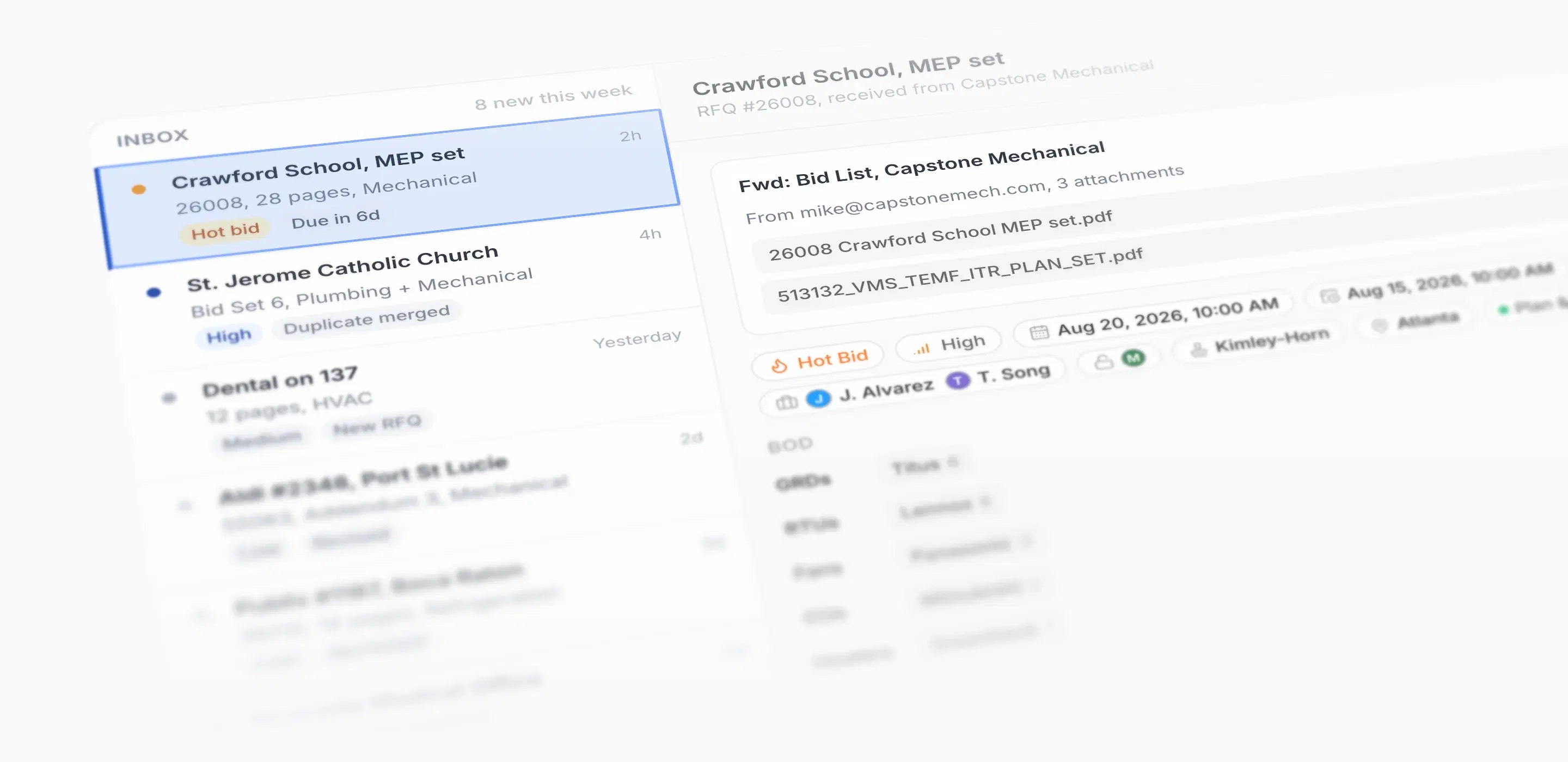
Rebar Bid Triage
Rebar Bid Triage
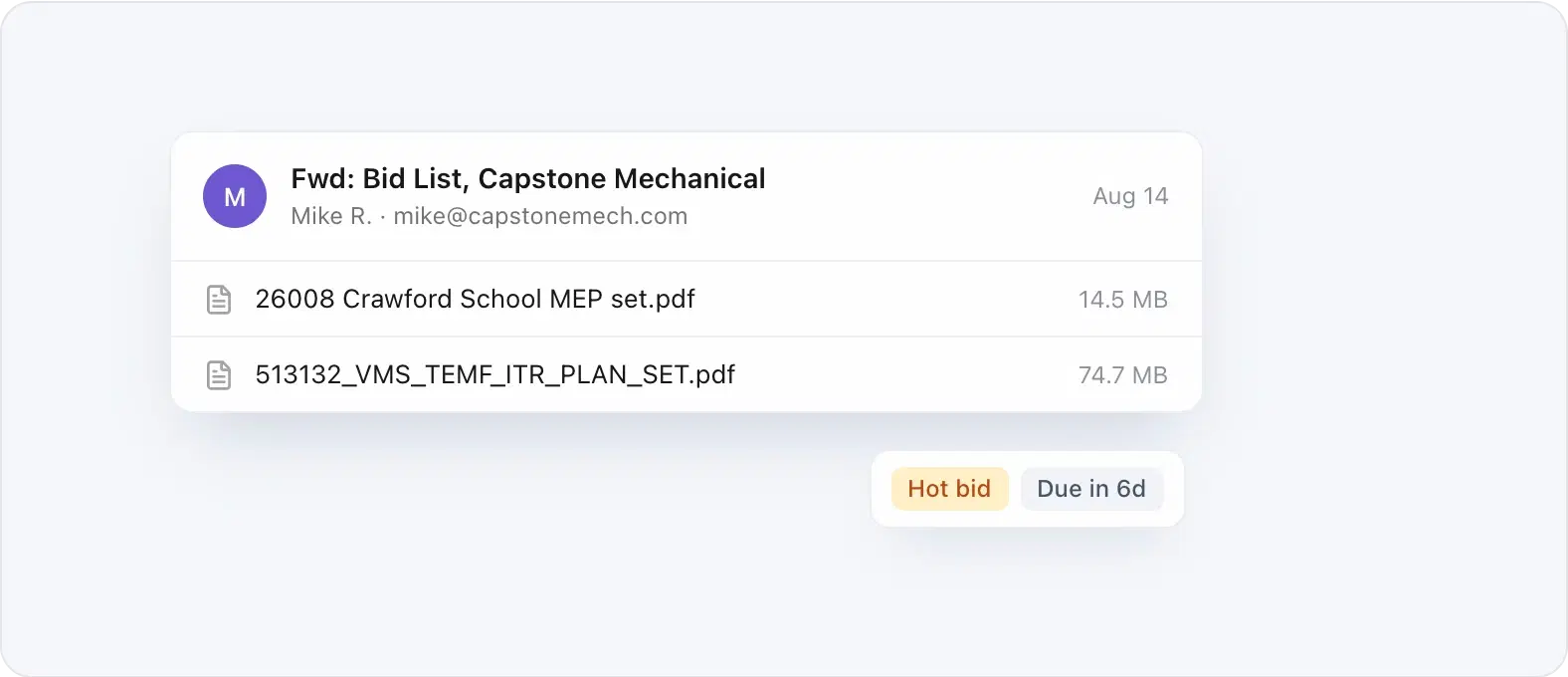
Forward bids to your Rebar address. Every request is read, tagged, and prioritized before a coordinator opens it.
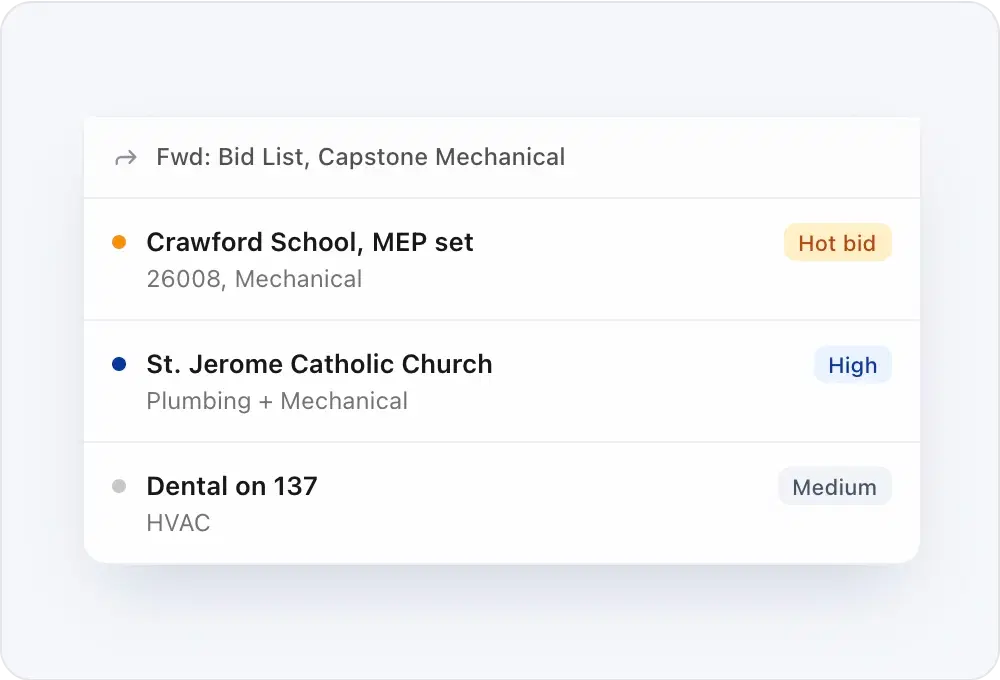
A bid list with several projects in it becomes a separate bid for each one, already sorted by priority.
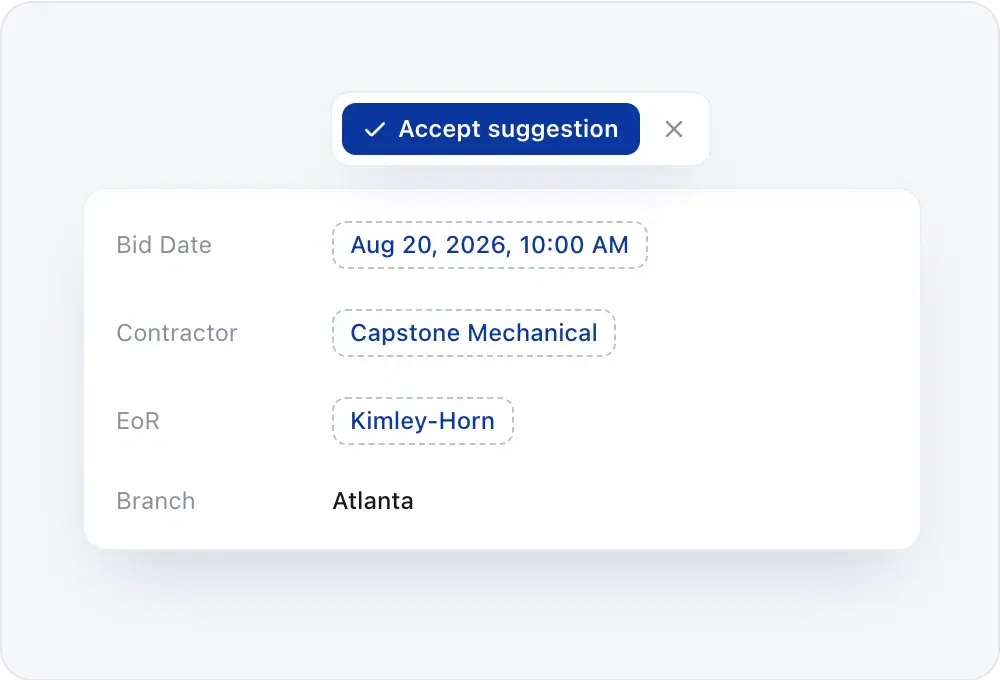
Rebar suggests the bid date, contractor, and engineer from the email and the plans. Your coordinator accepts or dismisses each one.
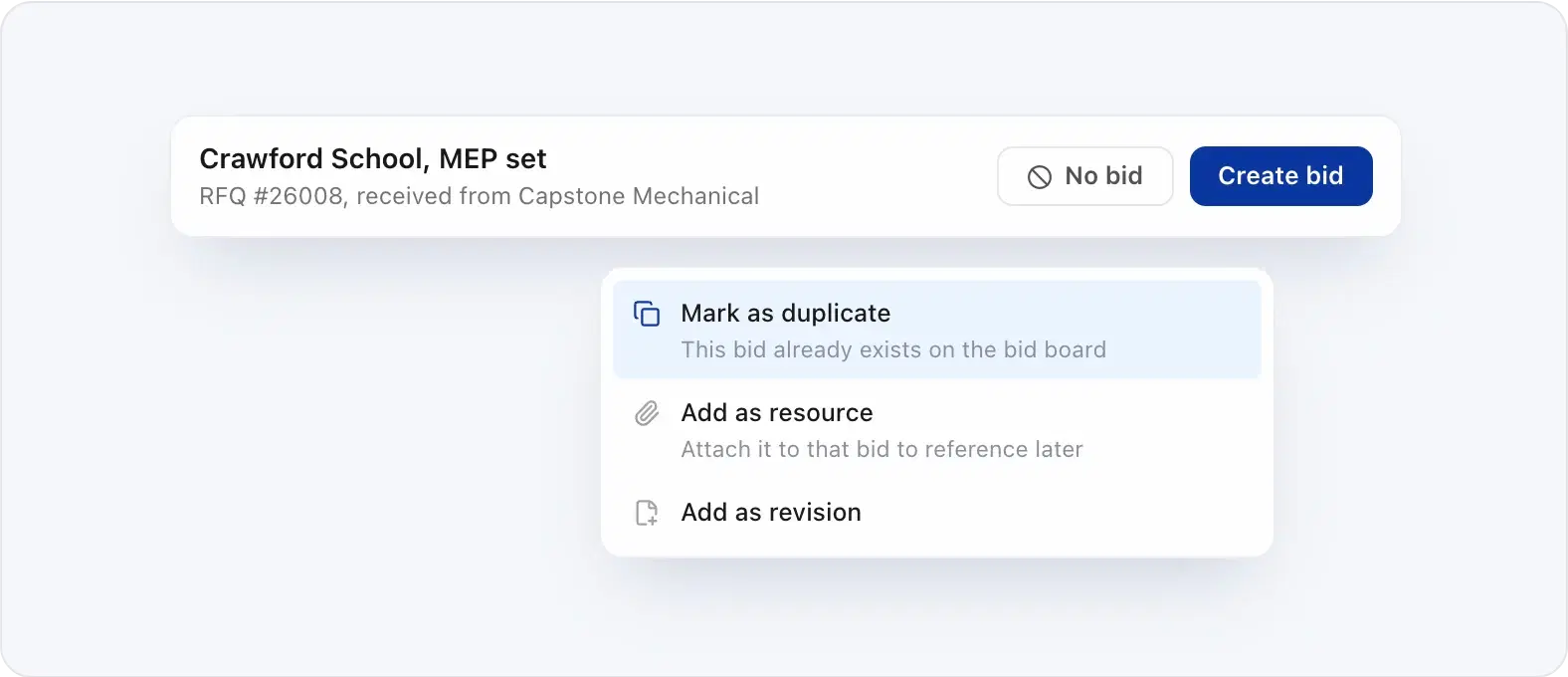
When a job is already on your board, Rebar says so. Mark it a duplicate, attach it as a resource, or file it as a revision.

“I can't stress enough, the efficiency of our bid coordinators, the efficiency of our estimators, the communication built in with Rebar, and in just a few weeks, it's truly been transformative to our business operations day to day.”
The first stop for every RFQ your team forwards. Rebar reads each request, tags it, and prioritizes it, so your bid coordinators spend their time deciding what to bid instead of sorting email.
Forward them to your Rebar address. Each email lands in triage with its attachments, read and ready for a coordinator.
No. Rebar suggests the bid date, contractor, and engineer from the email and the plans, and nothing is applied until a coordinator accepts it.
Create bid puts the job on your Bid Board with the details already filled in. No bid takes it off the list.
Rebar flags it. Mark it a duplicate, add it as a resource on the bid you already have, or file it as a revision.
Admins and bid coordinators. Everyone else on your team works from the Bid Board.