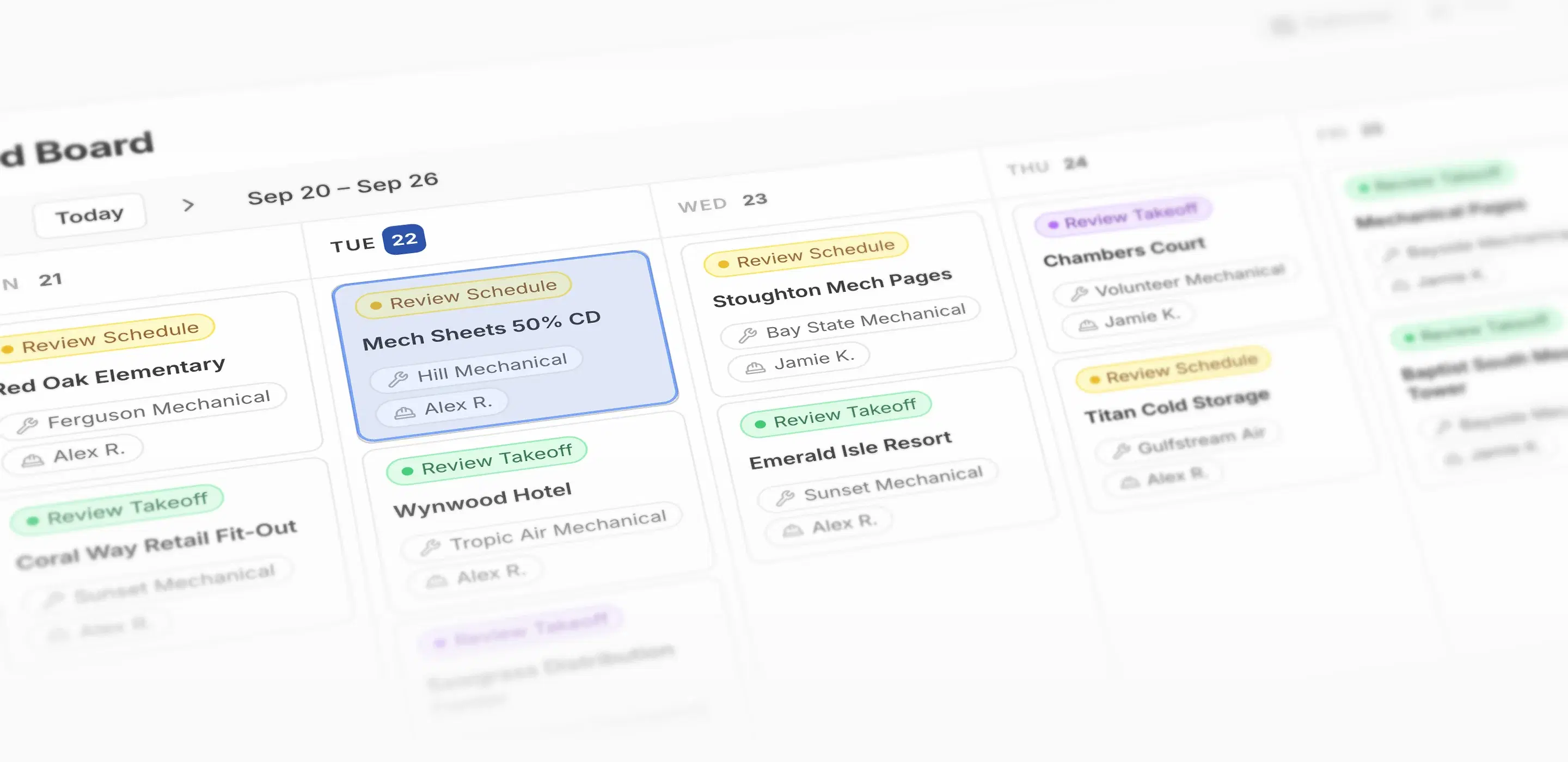
Rebar Bid Board
Rebar Bid Board
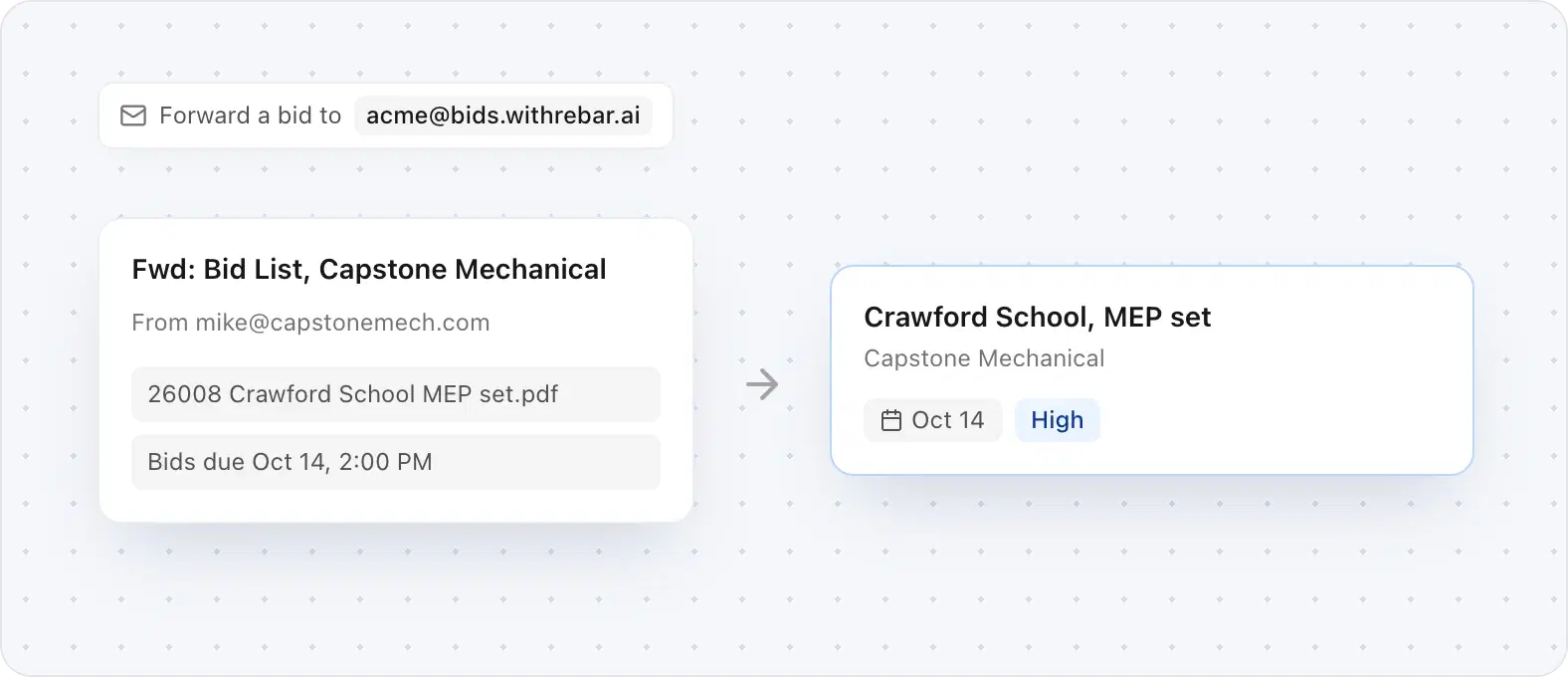
Forward an RFQ to your board's intake address and it lands as a bid, pre-filled with the job, contractor, and bid date.
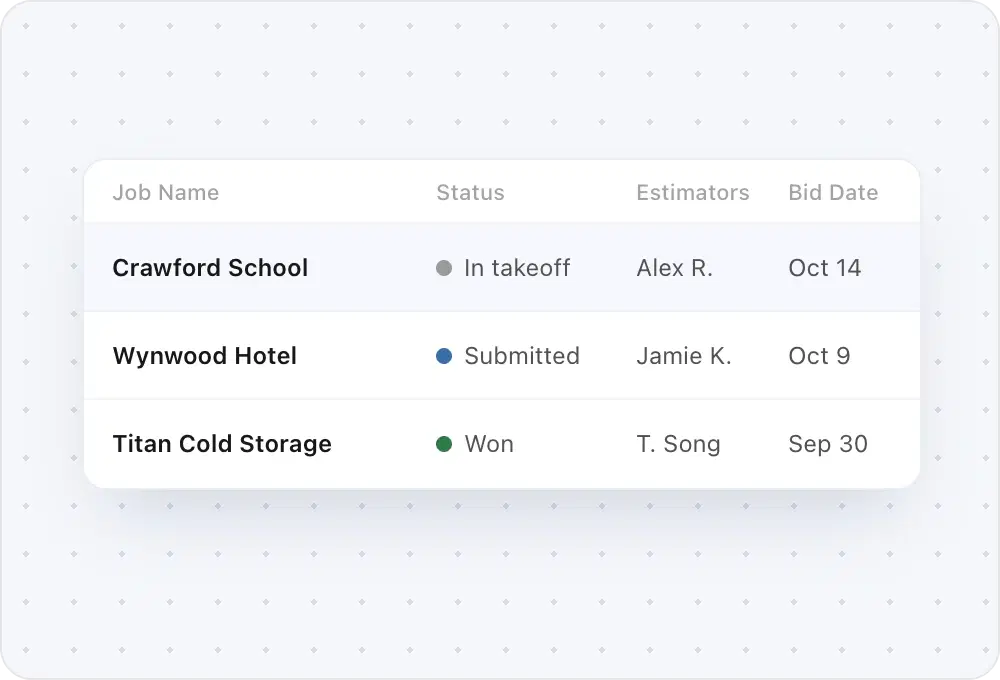
Estimators, priority, and bid date live on the row. See the week on a calendar or the whole pipeline as a table.
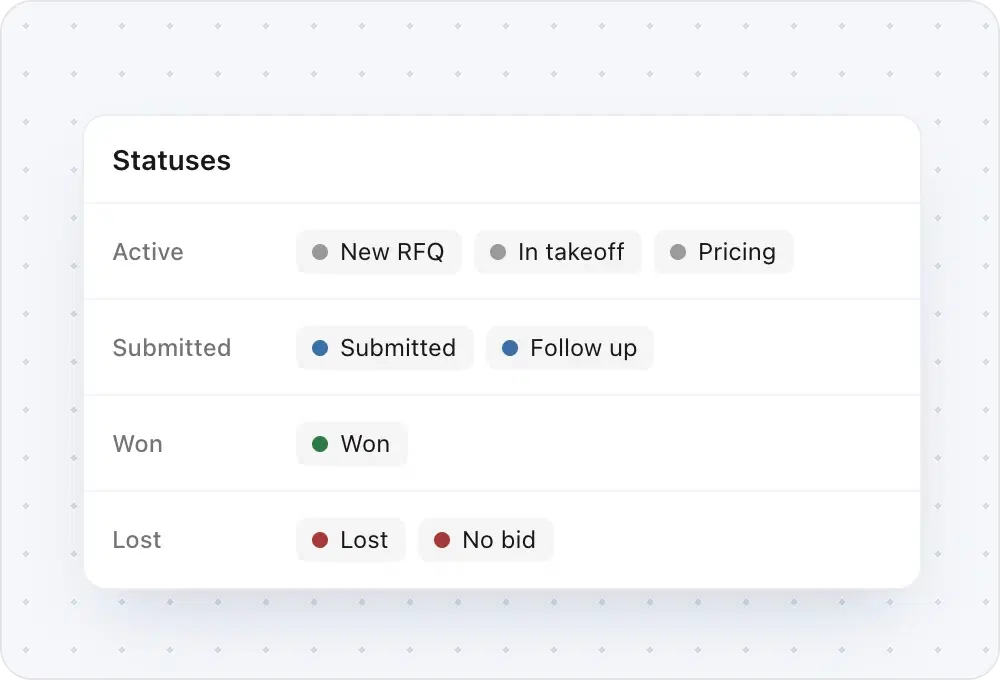
Set up the statuses your shop already uses. Each one rolls up to active, submitted, won, or lost.
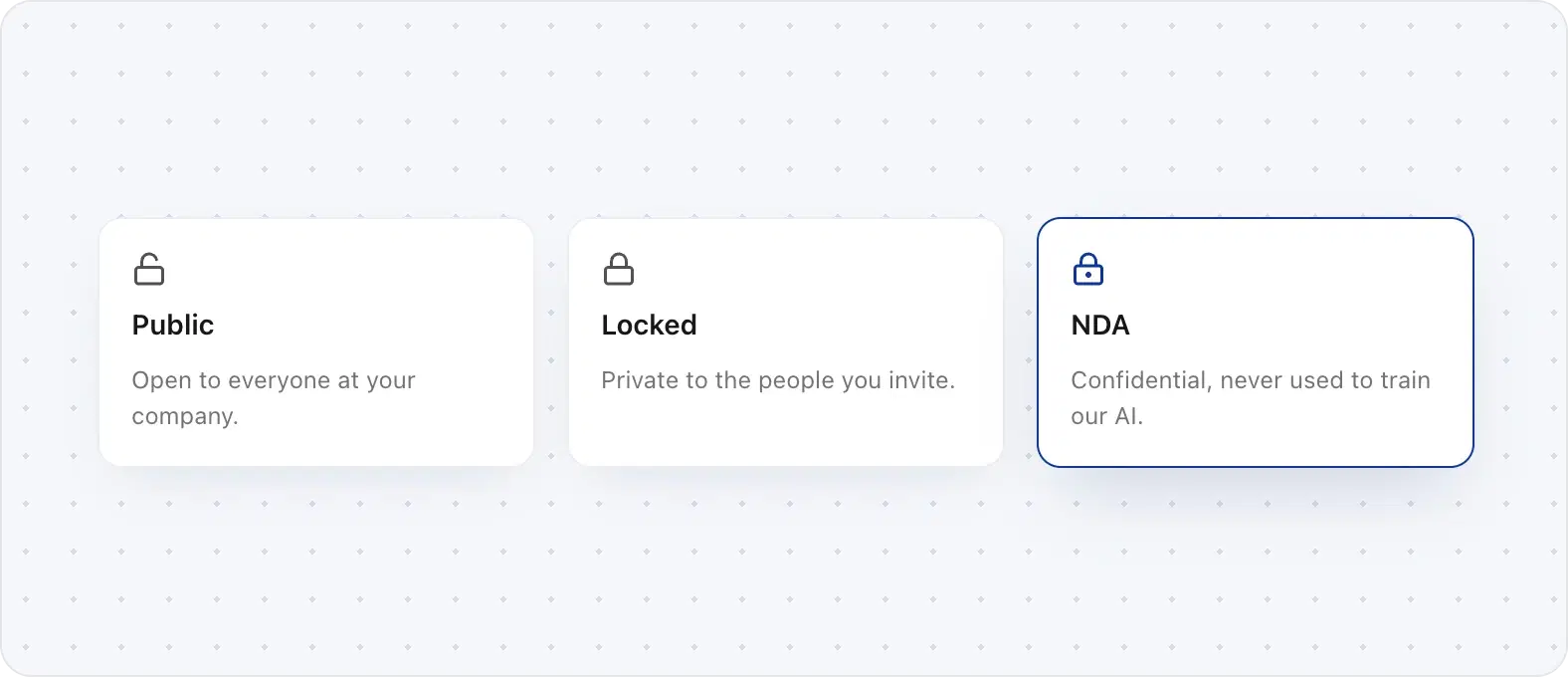
Public, Locked, or NDA on every bid. NDA bids are gated on every surface, and those PDFs are never used to train our AI models.

“I can't stress enough, the efficiency of our bid coordinators, the efficiency of our estimators, the communication built in with Rebar, and in just a few weeks, it's truly been transformative to our business operations day to day.”
One shared board for every bid your team is chasing, with the owner, status, priority, and bid date on each job, instead of a pipeline split across inboxes and spreadsheets.
Forward an RFQ to your board's intake address and it lands as a bid with the details filled in. You can also add a bid by hand.
Yes. Set up the stages your shop already uses, and each one rolls up to active, submitted, won, or lost.
Every bid is Public, Locked, or NDA. Public bids are open to your company, Locked bids only to the people you invite, and NDA bids are gated on every surface and never used to train our AI models.
Yes. Bids and takeoffs live in the same Rebar workspace, and each bid's takeoff status shows on its row.
That's what it's for: every job with its owner, status, and deadline, viewed as a calendar or a table, with nobody maintaining a sheet by hand.